Every PDF job, done privately in your browser.
Combine, arrange, sign, shrink and lock PDFs and photos. No uploads, no sign-up, no watermark.
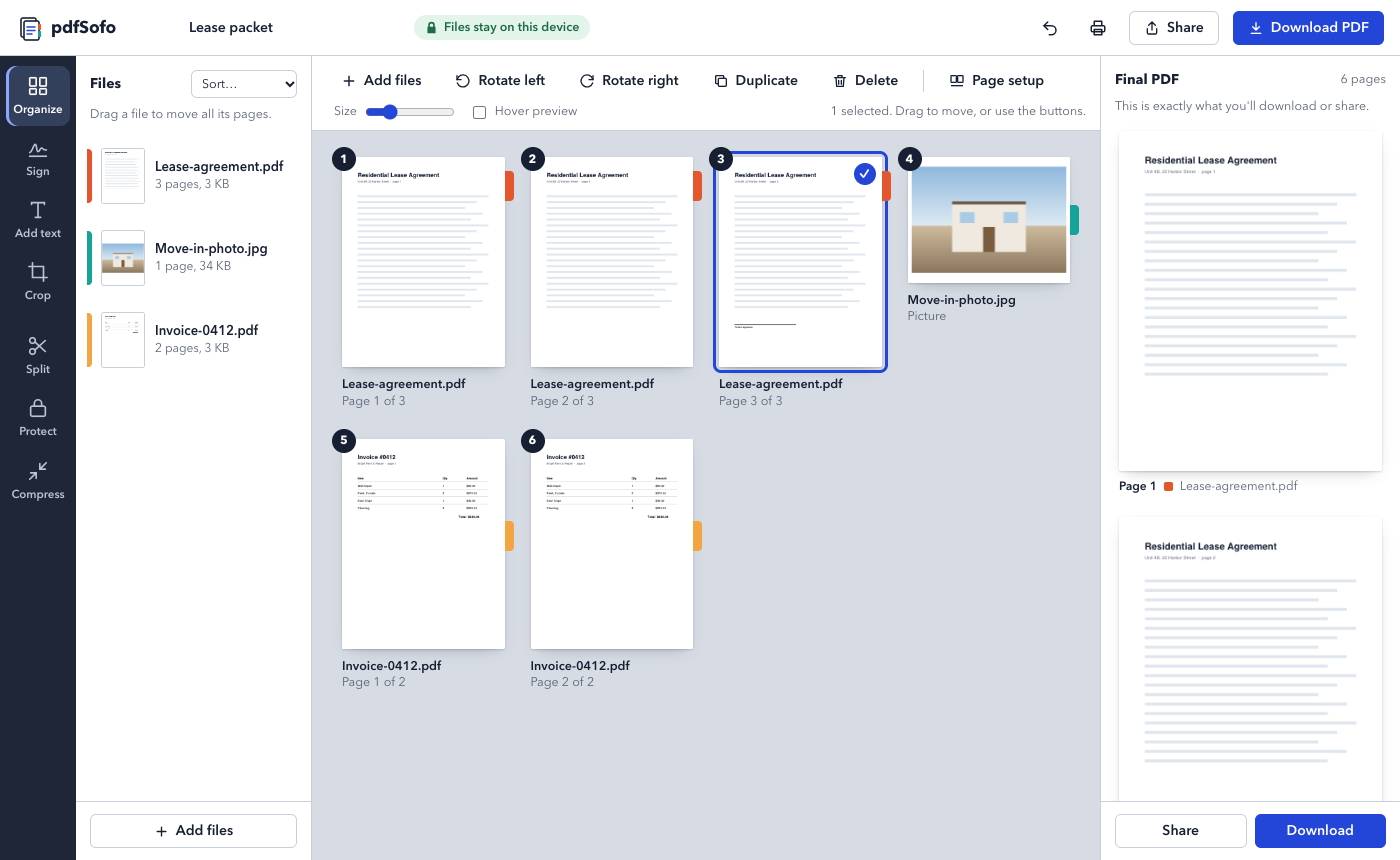
Pick a job
Each one opens the same app, ready for that task. Mix and match: sign, then compress, then share.
Why your files stay with you
Most PDF websites upload your documents to their servers to process them. pdfSofo does the work inside your browser instead.
Contracts, bank statements and IDs are read and changed on your device. There is no server that ever sees them.
Once opened, pdfSofo keeps working without internet. Install it like an app from your browser.
Your files are only read. Every result is a new file, and you see exactly what it looks like before you save.
How it compares
The free plan isn't a trial: no daily limits, no watermarks.
| pdfSofo | Typical PDF websites | |
|---|---|---|
| Files stay on your device | Yes | Uploaded to a server |
| Free daily limit | None | Often 1-3 tasks a day |
| Watermark on free files | Never | Sometimes |
| Preview before you download | Yes, at the size you choose | Rarely |
| Works offline | Yes | No |
Guides
Short how-tos for the jobs people ask about most.
Questions
Is pdfSofo really free?
Yes. Combining, arranging, splitting and compressing are free with no limits. A Pro plan with extra tools is planned; the free tools stay free.
How can it work without uploading?
Modern browsers can run full PDF software. pdfSofo downloads the app once, then all the work happens on your computer or phone.
Does it work on my phone?
Yes, in any modern phone browser. Share sends the finished PDF straight to WhatsApp, Mail or anything else.